Water Eject
Muffled sound after water — quiet calls, dull video playback, crackle on the earpiece — usually means liquid or condensation is still on the speaker or microphone path. The fix is rarely “buy a new phone” on day one; start with orientation, drying discipline, and a water eject sound.
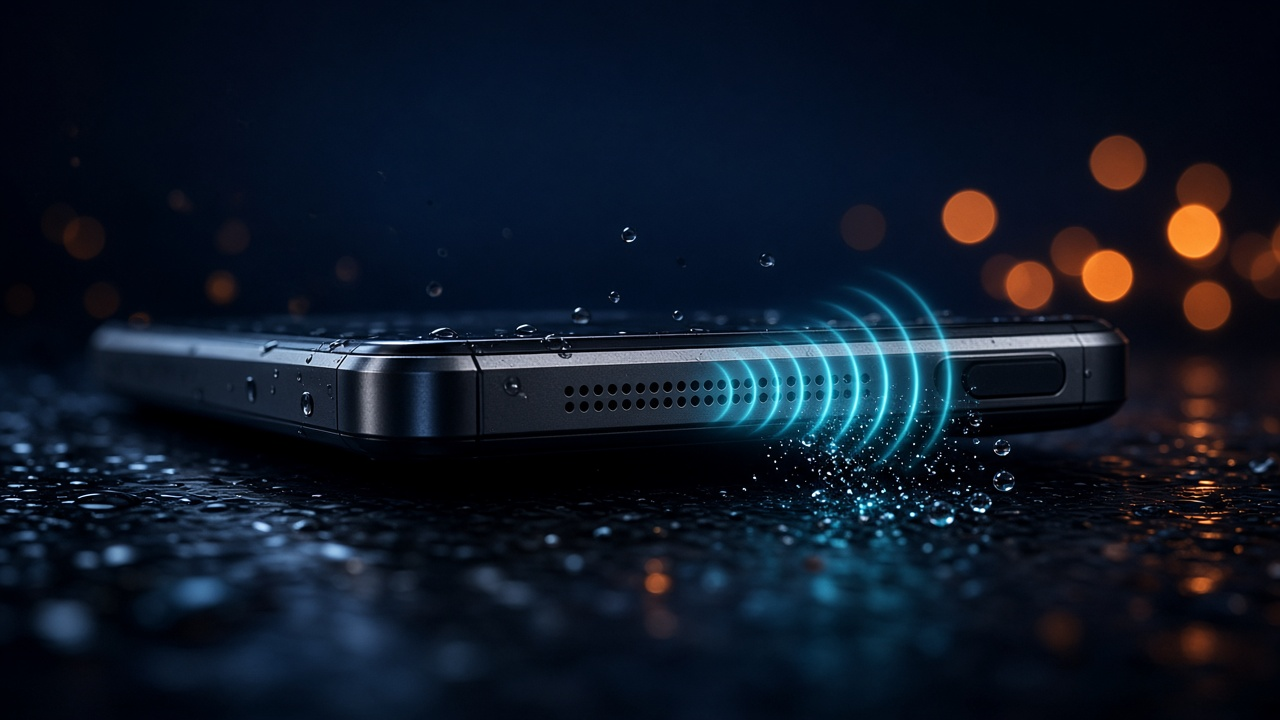
Clear the grille with sound
Max volume, speaker down, play the free water eject cycles.
Fix muffled sound — play tool →Why sound gets muffled after water
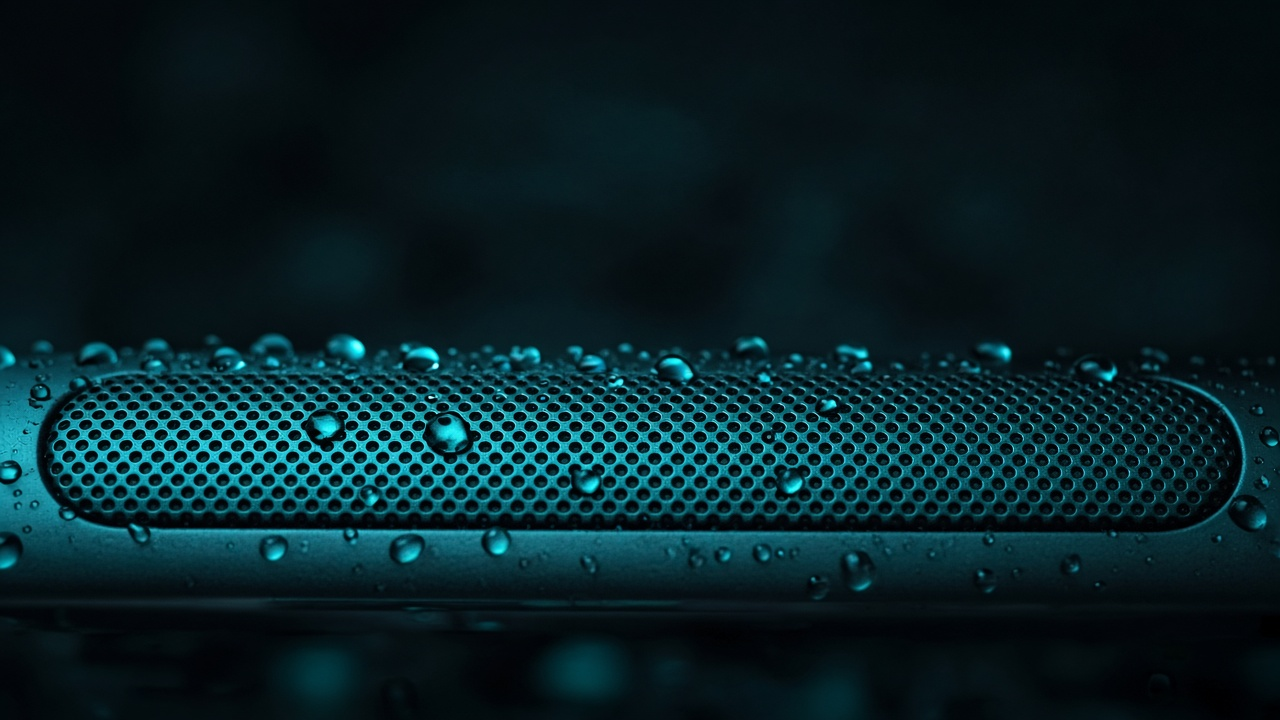
- Water sits on the speaker membrane and changes how it moves air.
- Droplets in the mesh act like a damper — highs disappear first.
- Microphones can sound distant or underwater for the same reason.
If the whole device was submerged, pair this guide with water in phone.
Fix muffled sound after water — step by step
- Wipe the exterior; remove the case.
- Point the affected speaker down and gently tap into a towel.
- Open the free water eject sound and run 2–4 cycles at max volume.
- Test with a known video or call. Repeat once more after 10–15 minutes if needed.
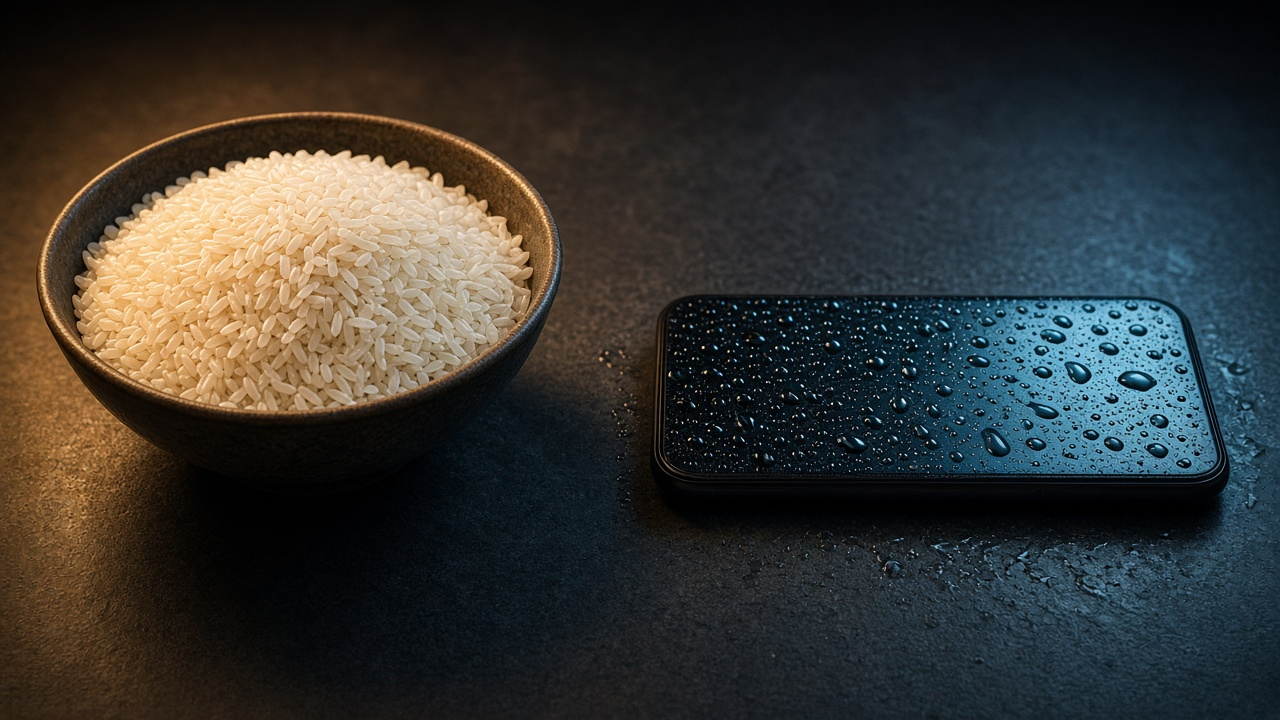
- Avoid rice and heat — see rice myth.
When muffled sound is not (only) water
- Pocket lint packed into the mesh.
- Case covering the grille.
- Bluetooth routed to another device.
- Physical tear of the speaker after a drop.
If audio never returns after dry time and several eject cycles, a repair shop should inspect the module — especially after salt water.
FAQ — muffled sound after water
How long until sound returns?
Many people hear improvement within minutes of eject cycles. Residual dampness can take longer; keep testing after dry air time.
Earpiece vs loudspeaker — same fix?
Same idea: vibrate and orient the wet transducer downward. Run the tool and rotate which grille faces down if your phone has stereo speakers.
iPhone only?
No — Android and iPhone both benefit. For Liquid Detected on charge port, read water eject on iPhone.