Water Eject
If you have water in your phone, the goal in the first minutes is simple: stop more liquid from reaching the board, clear the speaker path, and avoid “fixes” that make corrosion worse. This guide is the emergency playbook — then you jump to the free tool on the home page.
Need the speaker clear now?
Play the free water eject sound in your browser — max volume, speaker facing down. No app install.
Play water eject sound →First minute checklist
- Get the phone out of the water and wipe the exterior with a dry cloth or paper towel.
- Power off if it was submerged and you can do so safely. If it is still on and only the speaker sounds wet, you can keep it on to run the eject sound.
- Remove the case and SIM tray so moisture is not trapped against the frame.
- Point ports and the speaker grille downward and gently tap the edge of the phone into a towel — do not shake hard.
- Do not charge until the charging port is fully dry (Liquid Detected / moisture alerts need air time).
What not to do with water in a phone
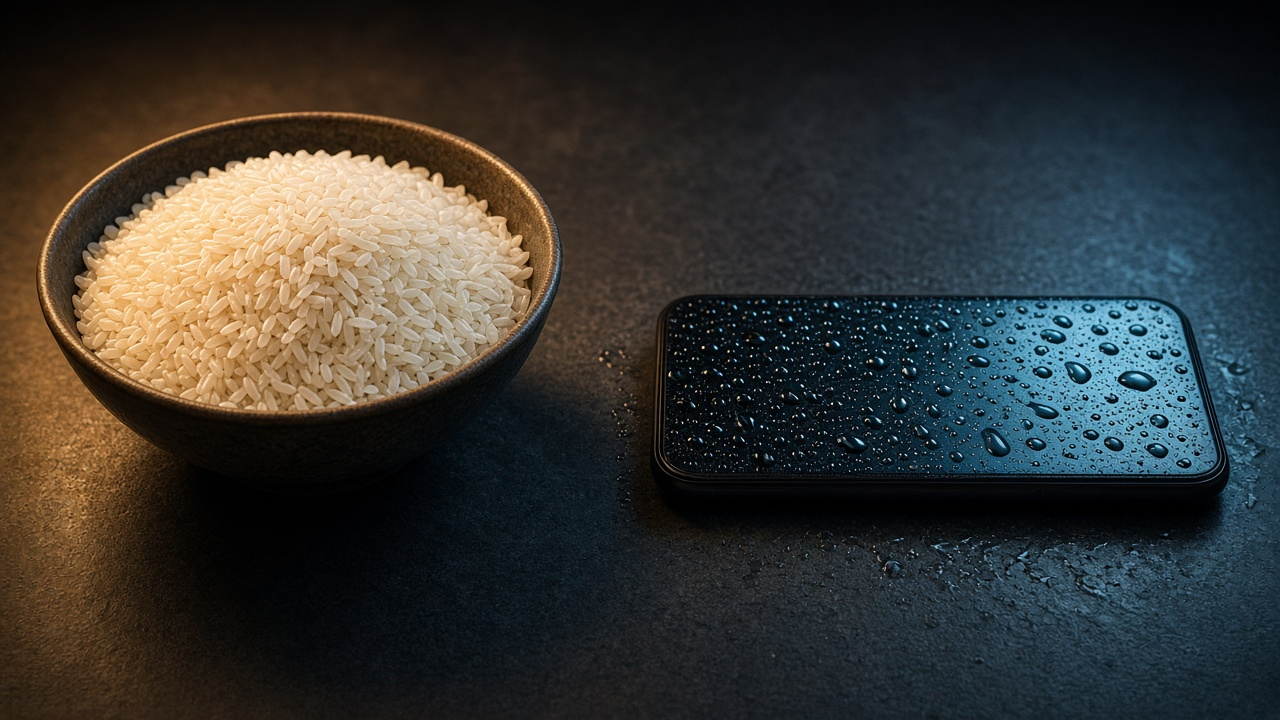
- No rice. It is a weak desiccant and can leave starch dust in mesh and ports. See our rice myth guide.
- No hair dryer or oven heat. Heat warps seals and can damage the display.
- No pins or needles in the speaker grille — you can puncture the membrane.
- No compressed air cans aimed into ports at close range.
Use a water eject sound for the speaker
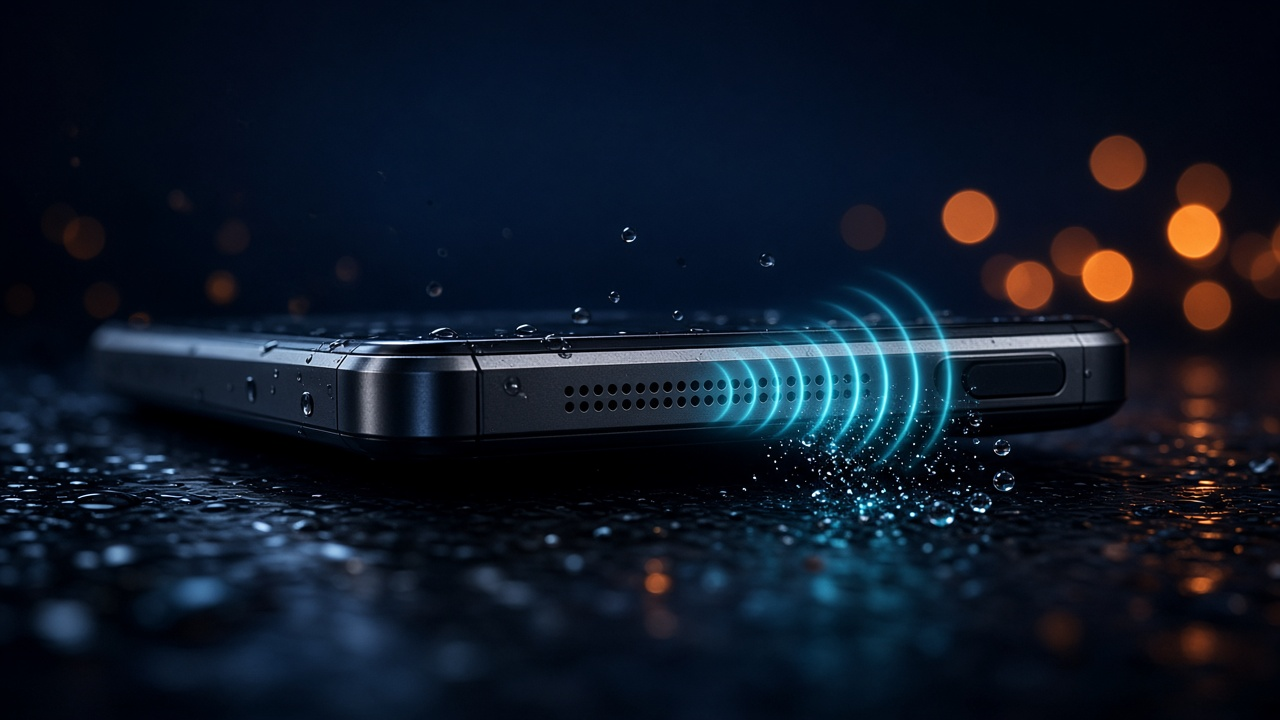
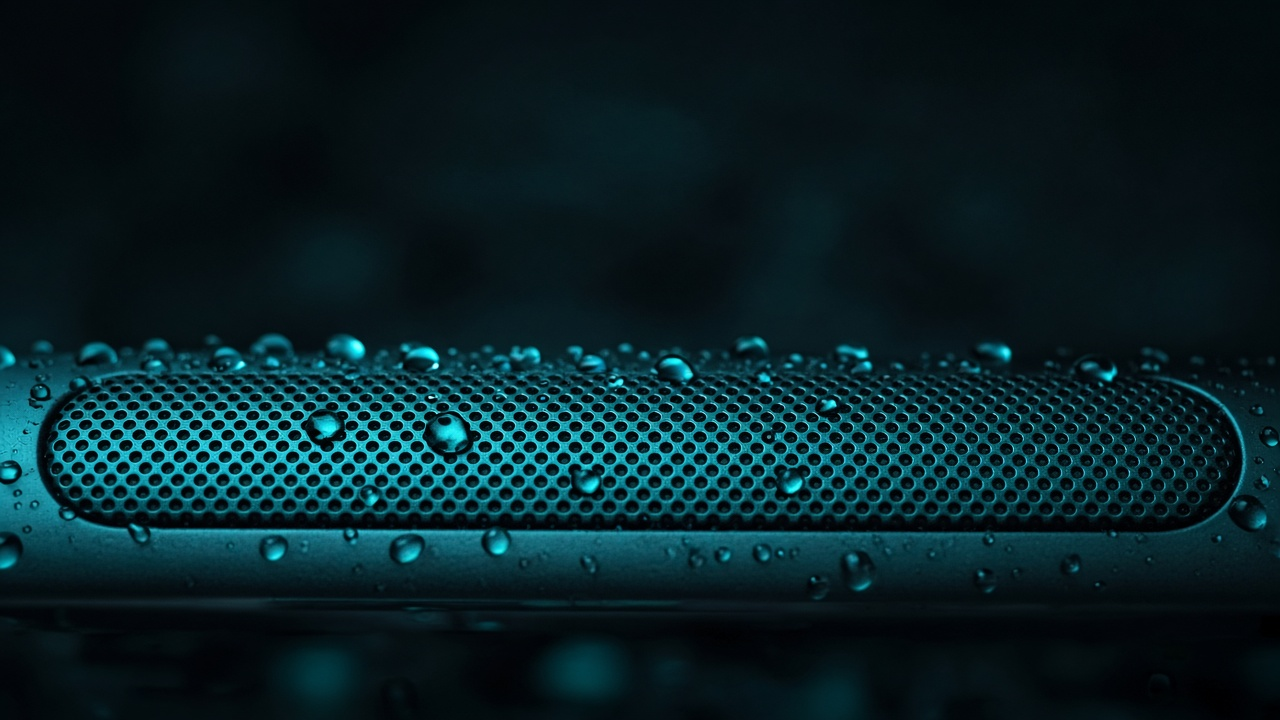
When audio sounds muffled, crackly, or quiet after water, moisture is often sitting on the speaker membrane. A calibrated water eject sound vibrates that membrane so droplets can leave the grille.
- Open the free tool: ejetaragua.com/en/
- Set media volume to maximum.
- Point the speaker grille down over a towel.
- Press play / EJECT and run 2–4 cycles.
- Wait a few minutes and test a call or video.
If sound is still muffled, read muffled sound after water. For iPhone-specific Liquid Detected messages, see water eject on iPhone.
After the speaker sounds clearer
- Leave the phone in a dry room with airflow for several hours (silica gel packs help residual moisture around the chassis).
- Keep charging paused until the port warning clears.
- If the phone will not turn on, was in salt water, or shows display blotches, plan a professional inspection — sound ejection cannot reverse board corrosion.
FAQ — water in phone
Should I turn the phone off if water got in?
If it was fully submerged, yes — power off when you can, dry the exterior, then address speakers and ports. If only the speaker sounds wet and the phone is stable, you can keep it on long enough to run the water eject sound.
How long before I can charge again?
Wait until the charging port is dry and any Liquid Detected / moisture alert is gone. That can take hours. The eject sound helps speakers; it does not dry the connector overnight.
Does this work on Android and iPhone?
Yes. The browser tool plays through the phone speaker on both platforms. No app install required.