Water Eject
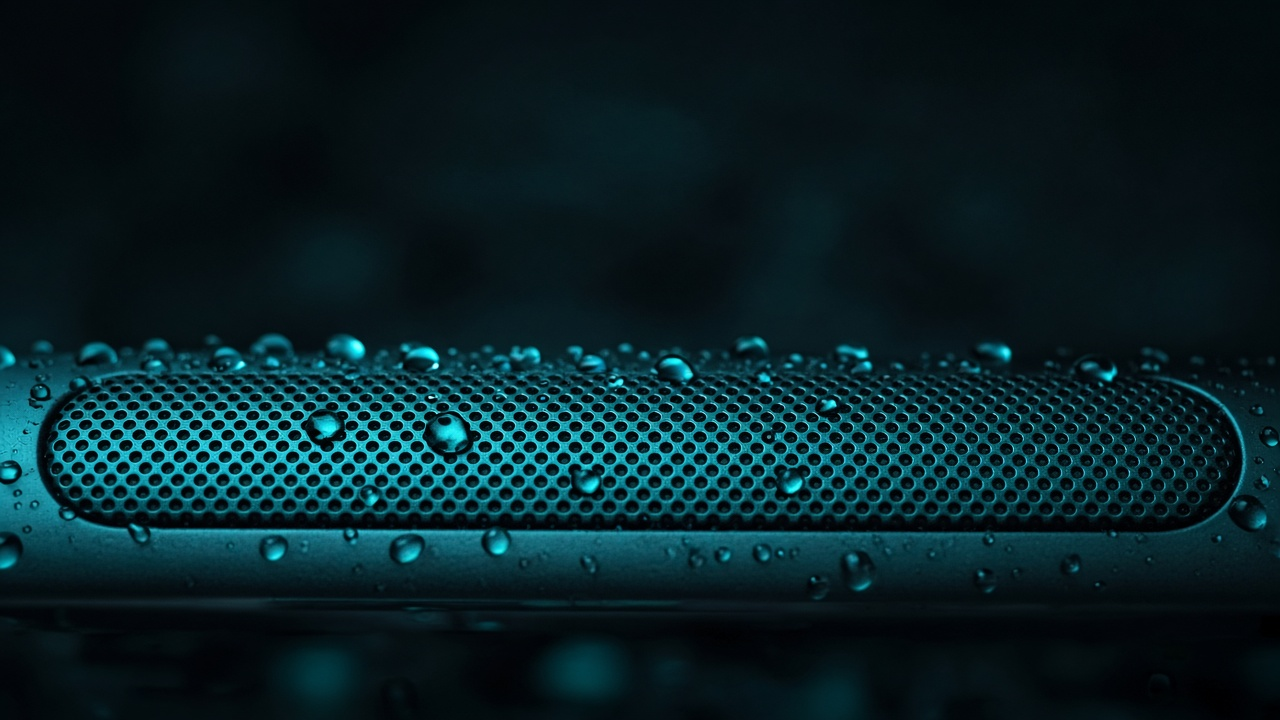
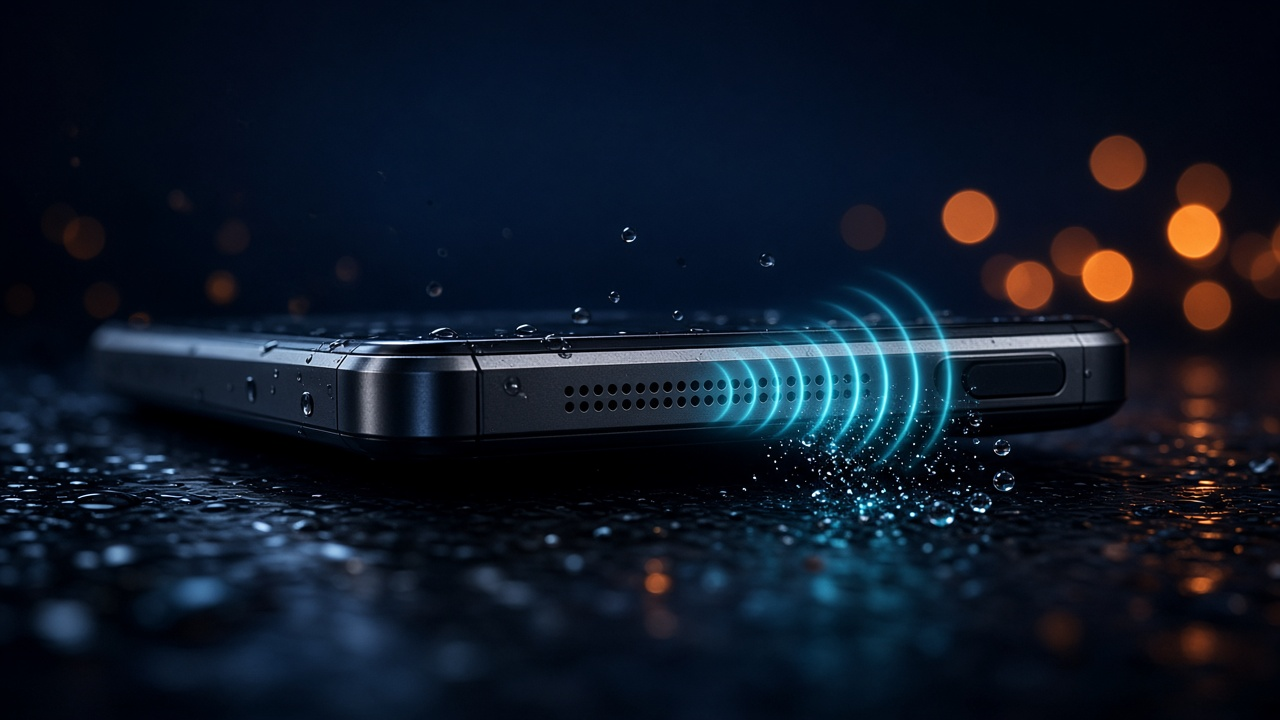
A water eject sound is calibrated audio — usually low-frequency pulses — played through your phone speaker so the membrane vibrates and helps push trapped water out of the grille. It is the same idea popularized by watch “water eject” tones and WatchOS-style patterns, adapted for phone speakers in the browser.
Open the Water Eject tool, max volume, speaker down. No download.
Open free water eject sound →What a water eject sound is
It is not magic ultrasound that “vaporizes” water. It is mechanical: the speaker moves air and the membrane; that motion can dislodge droplets that make calls and videos sound muffled. Pair it with wiping the exterior and drying time for ports.
How it helps get water out of a speaker
- Vibration at useful frequencies encourages droplets to leave the mesh.
- Orientation matters: speaker facing down lets gravity help.
- Volume matters: higher excursion usually works better — use max media volume.
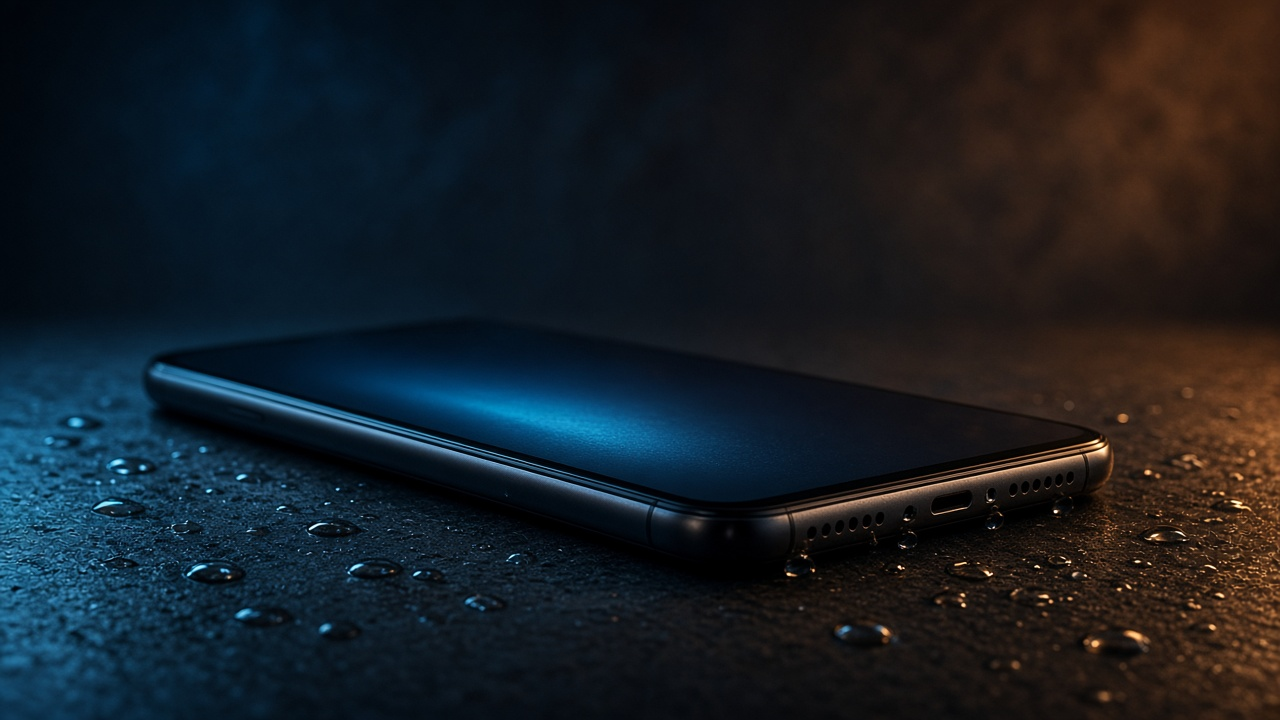
For the full emergency flow when the whole device got wet, start with water in phone.
How to use the free water eject sound
- Go to https://www.ejetaragua.com/en/ on the wet phone’s browser.
- Raise volume to maximum (and disable silent / Focus modes that mute media if needed).
- Hold the phone with the speaker grille pointed down over a towel.
- Tap EJECT WATER NOW and let a full cycle finish.
- Repeat 2–4 times, then test audio. Wait a few minutes between batches if needed.
Is a water eject sound safe?
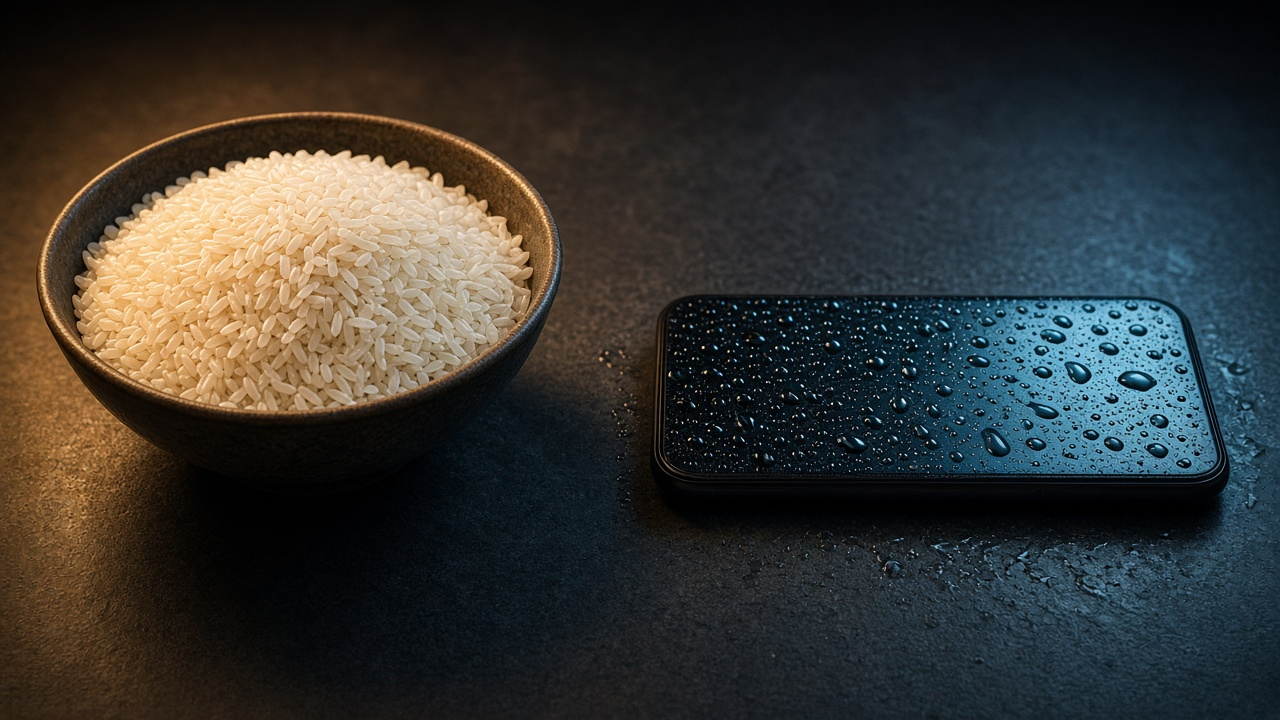
Used as intended — normal media playback at high volume for short cycles — it uses the speaker the way music does. Avoid sharp objects, heat guns, and stuffing the phone in rice (see rice myth). If the speaker was already physically damaged, sound will not repair hardware.