Water Eject
People search water eject iPhone because Apple Watch popularized a tone that helps clear water — and iPhone speakers get wet at the pool just as often. iPhone does not give every model a one-tap system Water Eject the way the Watch does, but you can still play a free water eject sound in Safari and handle Liquid Detected the right way.
Play the free water eject sound in Safari — max volume, grille down.
Play on iPhone →Does iPhone have a built-in Water Eject?
Apple Watch includes water ejection as part of water-related modes. iPhone relies on water resistance ratings (not swimming permission) and does not replace careful drying. Shortcuts floating online can play tones, but a dedicated browser tool is enough: open ejetaragua.com/en/ and press play.
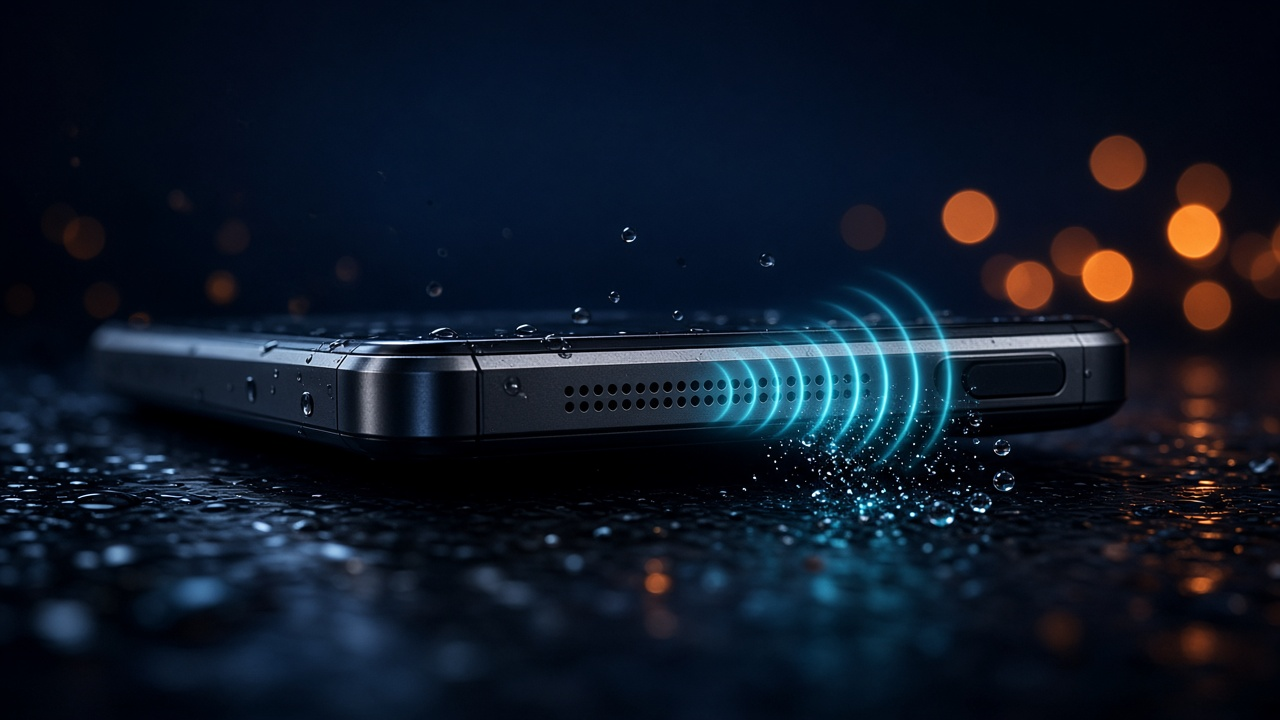
Clear water from the iPhone speaker
- Remove the case; wipe the phone dry.
- In Safari, open the water eject sound tool.
- Volume all the way up; Ring/Silent as needed so media can play loudly.
- Point the bottom (and/or earpiece) grille down; run several cycles.
- Test Music or a call. Still muffled? See muffled sound after water.
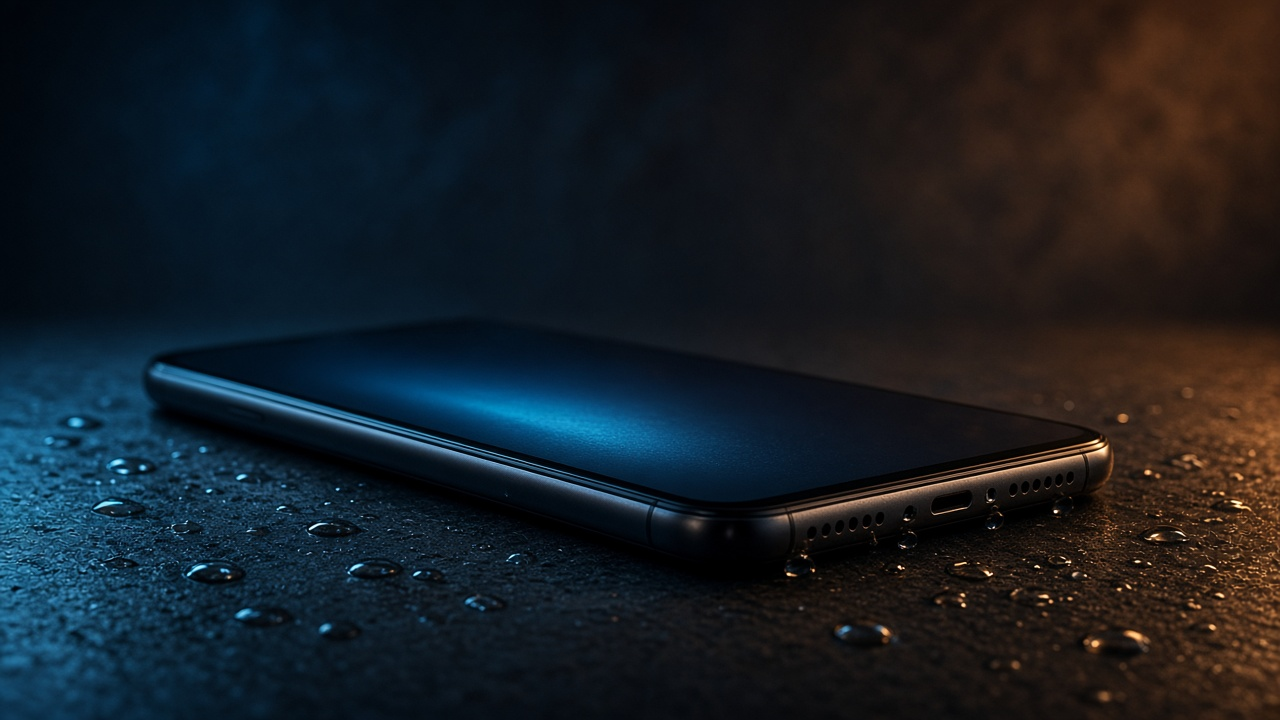
Liquid Detected on iPhone (charging port)
If iPhone warns that liquid was detected in the connector, do not force charge. That alert is about the port, not the speaker:
- Unplug accessories; keep the port facing down.
- Wait for evaporation — often hours in dry air.
- Do not insert rice, tissues, or sticks deep into the port.
- Use the water eject sound for audio issues in parallel; it will not clear the port sensor by itself.
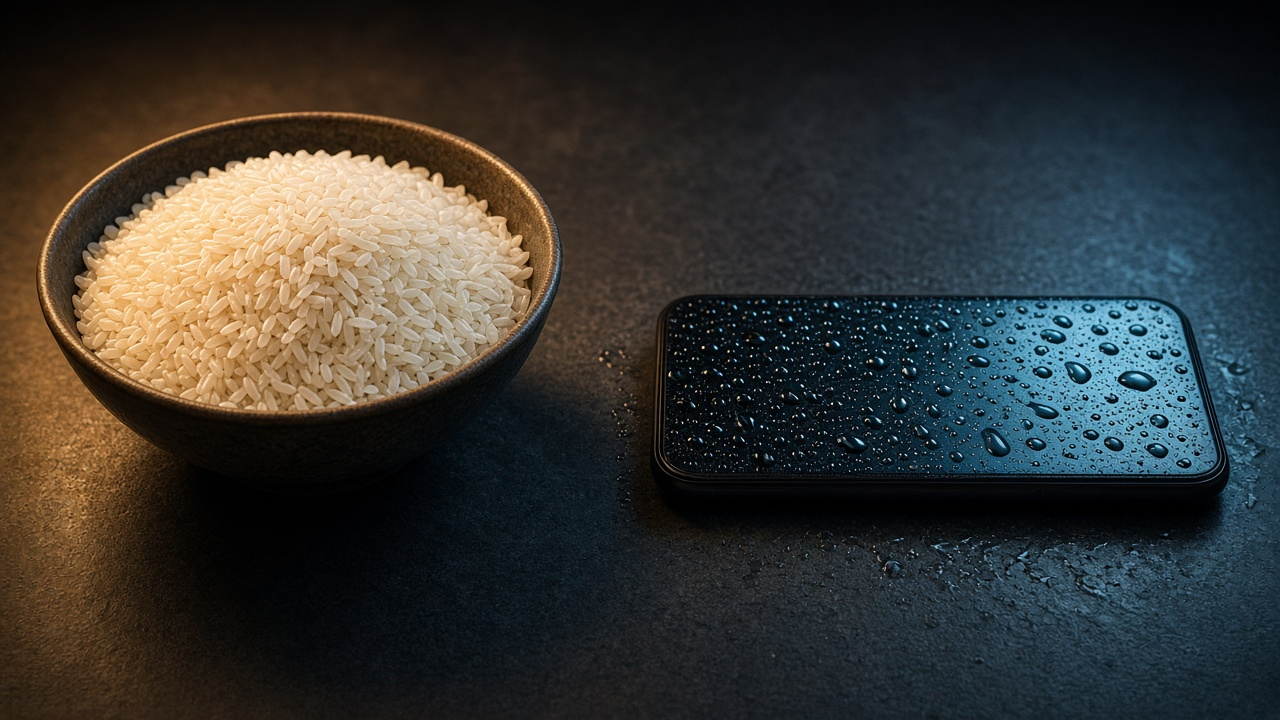
Full device dunk? Use the water in phone protocol first. Skip rice — myth explained.