Water Eject Play sound
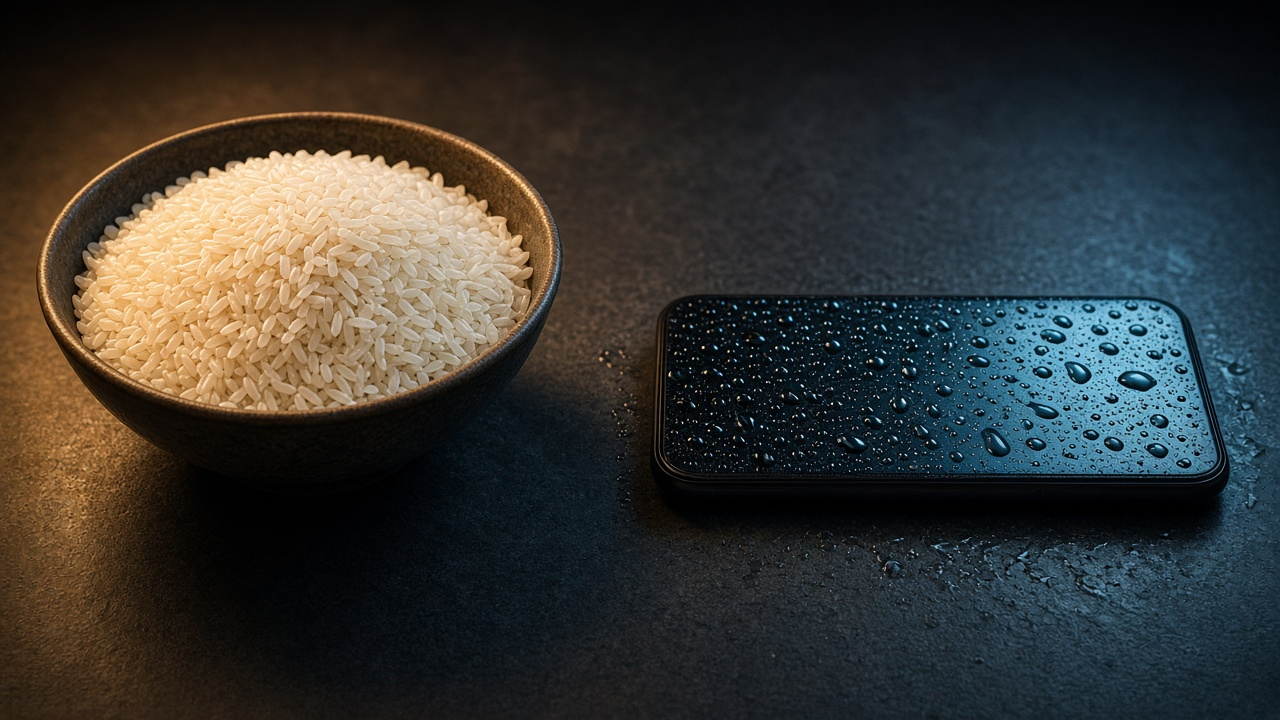
Bowl of rice next to a smartphone on a dark desk

Myth

Does Rice Work on a Wet Phone? Why the Myth Fails

Putting a wet phone in rice is a weak fix and can leave starch in ports. See why the rice myth fails and what to do instead — including a free water eject sound.

Updated September 26, 2026

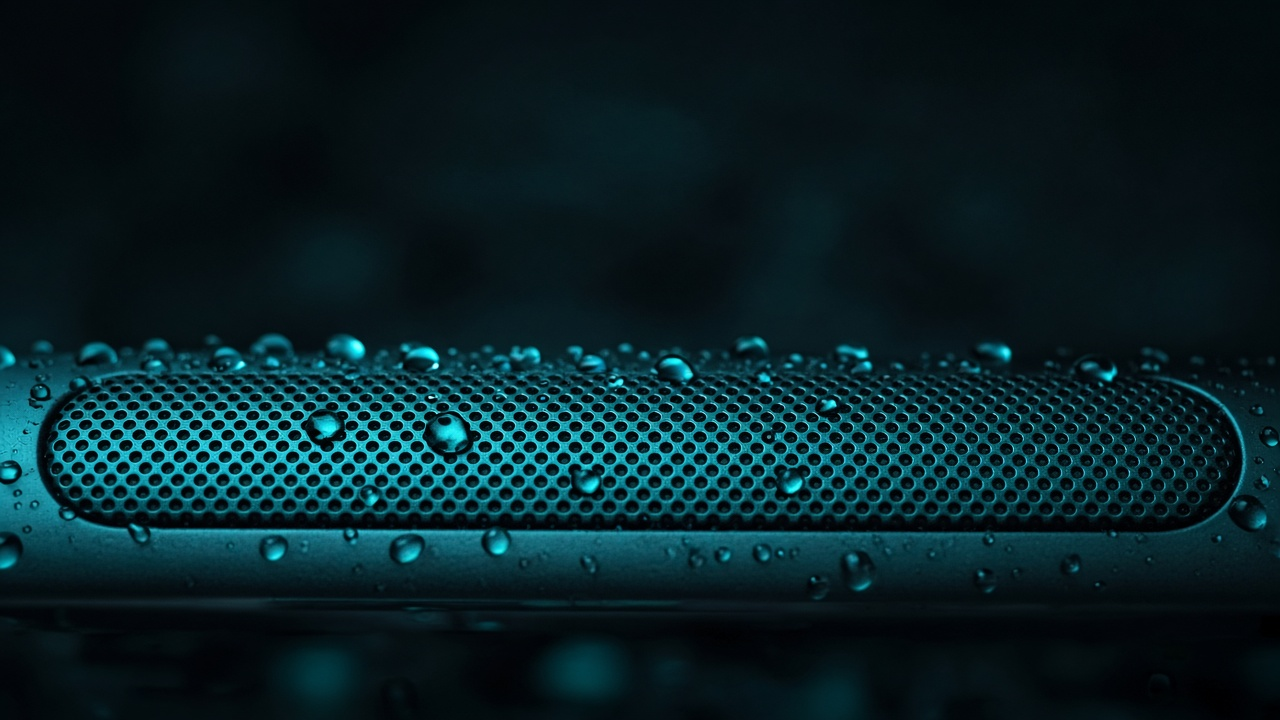
Search results still push “put your wet phone in rice.” As a rice myth for wet phones, it under-delivers: rice is a mediocre desiccant, slow around sealed electronics, and can leave starch particles in speaker mesh and ports. The bowl-of-rice photo is easy to share; it is not a repair procedure. If your speaker sounds underwater, rice will not vibrate the membrane — but a water eject sound will. If the charging port is wet, time and airflow beat grains pressed against the connector.

Skip the rice — clear the speaker

Use a free water eject sound for muffled audio, plus air-drying for ports.

Play water eject sound →

Why the rice myth spread

Rice is cheap, visible, and feels like “doing something” while panic sets in. Older anecdotal advice stuck around long after manufacturers and repair techs warned against it. Blog posts from the early smartphone era repeated the trick because some users saw phones wake up after a night in rice — correlation, not causation. Often the device would have survived with simple air-drying; sometimes corrosion appeared a week later anyway.

Visibility is not the same as drying power inside a modern IP-rated phone. The shell is designed to keep water out; that same design slows water leaving once it is inside. Rice on the outside cannot pull moisture through sealed gaskets on a meaningful timeline.

Social media revived the myth with dramatic before/after videos. What you do not see is the starch dust in the speaker grille or the user who charged too early and fried the port.

Why rice fails on modern phones

What actually dries a phone

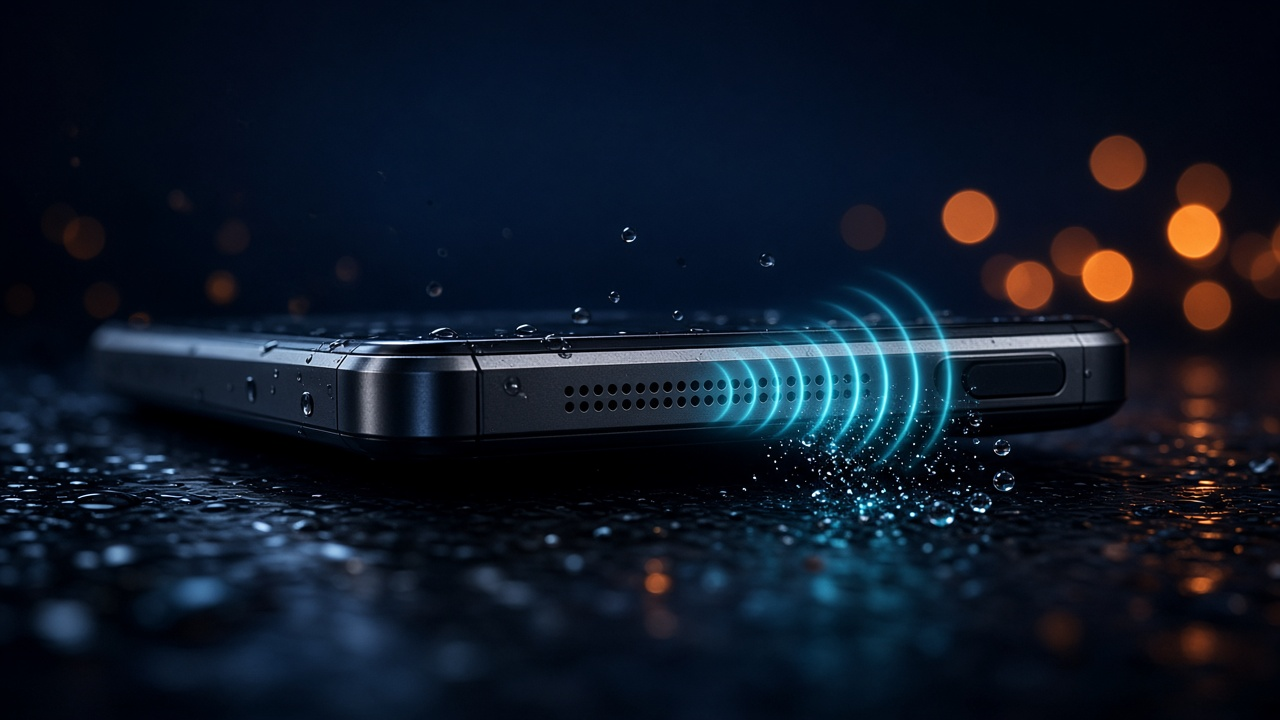
Evaporation removes water from surfaces and capillary gaps. Fans and air-conditioned rooms increase the rate. Desiccants absorb vapor from enclosed air — silica gel does that well; rice does it slowly and dirty. Speaker mesh benefits from mechanical motion: low-frequency audio moves the diaphragm so drops exit before they evaporate into a sticky film.

Electricity and water together cause electrolytic damage. Powering off (when safe) and avoiding charging until the port is dry prevents the worst outcomes. No desiccant replaces that discipline.

Bowl of rice next to a smartphone on a dark desk
Rice looks helpful. For speakers and ports, better options exist.

What to do instead of rice

  1. Follow the water in phone emergency checklist — wipe, case off, ports down, no heat gun.
  2. Power off after a full dunk if the phone still responds; skip forced shutdown if the screen is dead and buttons are unreliable.
  3. Play a water eject sound at max volume with the grille facing down for 2–4 cycles.
  4. For residual chassis moisture, place the phone in a bag with silica gel packs (not touching ports directly with torn paper) — sealed container optional; airflow matters more than darkness.
  5. Wait out charging-port moisture warnings — see iPhone Liquid Detected if that is your alert.
  6. Test audio and charging only after warnings clear. Use wireless charging only if the back glass is intact and the manufacturer allows it — wireless does not fix a wet port you keep inserting.
  7. Back up data once stable; corrosion can be delayed.

Pool, sink, and salt water

Sink splash: Rice is overkill. Towel, orientation, eject sound, dry air — done.

Pool: Chlorine residue remains after water leaves. Rice does not neutralize it. Longer dry time before charging beats a rice bowl.

Salt water: Worst case for corrosion. Rice actively wastes hours you should spend getting professional ultrasonic cleaning. Do not charge; do not assume IP68 saved you.

Rain in pocket: Usually speaker-only issues. Eject sound plus an hour indoors beats overnight rice.

When rice delays real repair

If the phone reboots randomly, shows green lines, or gets hot near the camera after any wet incident, rice is the wrong tool entirely. If audio never returns after eject cycles and 48 hours of dry air, the speaker module may need replacement — rice will not swap the part.

Repair shops report opening “rice phones” with starch packed in the earpiece mesh and liquid damage under the shield anyway. Going early after salt exposure saves boards; going late after a week in rice often does not.

FAQ — rice and wet phones

Is any amount of rice OK?
It is unnecessary risk for little benefit. Prefer air-drying, silica gel for residual moisture, and a water eject sound for the speaker.
What if I already put it in rice?
Remove the phone, brush off grains gently, inspect ports with a flashlight (do not poke), then run the eject sound and give ports dry time. Do not rinse unless a technician advises it for salt.
Does uncooked rice “absorb” speaker water?
Not effectively through modern meshes. Speaker water responds better to membrane vibration and orientation — that is what the eject sound is for.
Is instant rice or cat litter better?
Cat litter can be dusty and chemically treated — avoid it in ports. Instant rice is still a weak desiccant. Silica gel or plain air flow wins.
What do Apple and Samsung say about rice?
Official guidance focuses on powering off, drying the exterior, and avoiding heat and foreign objects — not rice. Follow manufacturer warnings for your model.
Can rice fix Liquid Detected on iPhone?
No. The port needs evaporation. Inserting rice grains can damage pins. See the iPhone water eject guide for port vs speaker.
Why did my friend’s phone survive in rice?
Many phones survive minor splashes with time alone. Rice gets credit when air-drying or a quick speaker fix did the work — and you may not hear about the phones that failed a week later.